

Organisation settings
What it is for: setting up the organisation and following its usage. For administrators and the owner (classification is also open to curators).
To open it: at the bottom of the menu, Organisation settings.
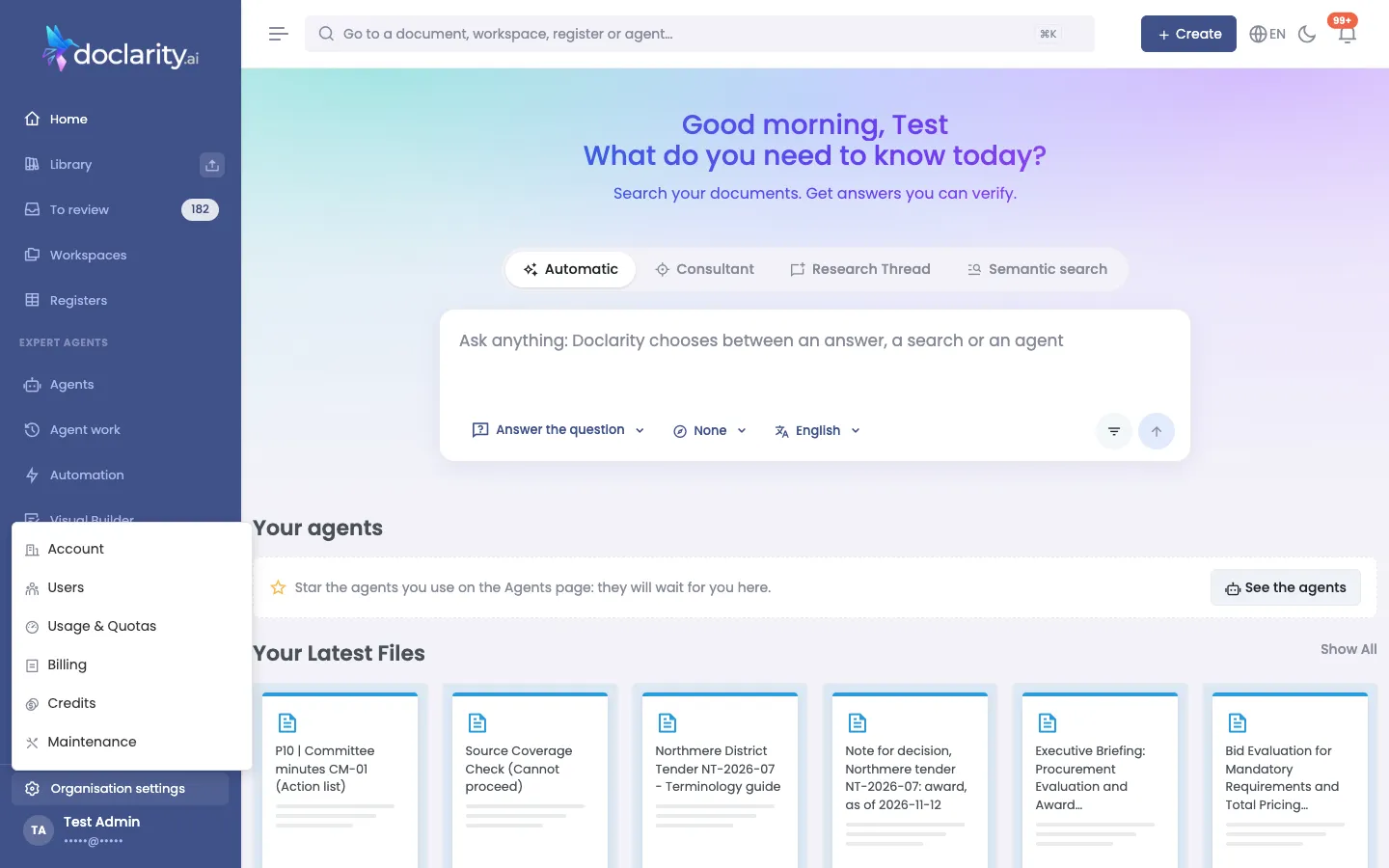
The tabs
Section titled “The tabs”| Tab | What it holds |
|---|---|
| Account | Organisation name, contacts, billing addresses, purchase order number. And Domains: what the organisation uses Doclarity for. |
| Users | Invitations, roles, plans, statuses. See Users, roles and plans. |
| Usage & Quotas | The credits the whole organisation used this month, per user, and over 12 months. |
| Billing | Plan and invoices (owner only). |
| Credits | Unassigned credits, assignment (manual or automatic), buying extra credits (owner). |
| Maintenance | Recount folder counters, operations on a source document (recompute its metadata, its thumbnail…). |
| Classification | Classification plans and descriptor lists. See Classification plans. |
Domains
Section titled “Domains”In Account › Domains, tick one or more: Quality / HSE, Governance, Programme, Pharma. This decides the register types, the Registers pages and the agents offered first to everyone in the organisation. Nothing is removed: other agents stay in the list, further down, and a register type already in use stays offered.
Usage & Quotas
Section titled “Usage & Quotas”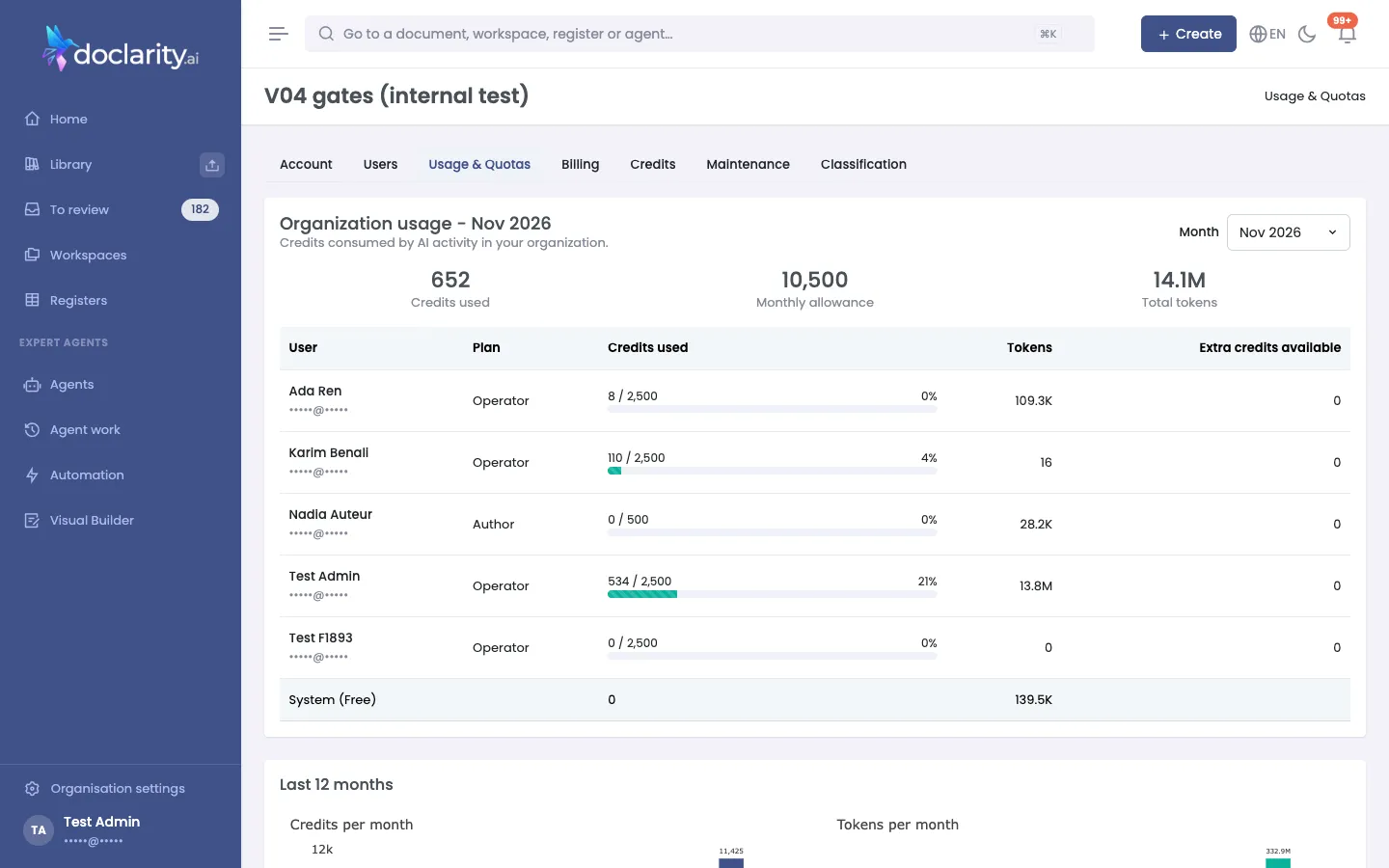
For each user: their plan, credits used out of their allowance, tokens, extra credits. At the top: credits used and the organisation’s monthly allowance.
Credits
Section titled “Credits”- Unassigned credits: those the organisation bought and has not given out yet. They expire 12 months after purchase.
- Assign credits: choose a member and a number.
- Automatic assignment (an owner setting): gives unassigned credits to a member who has run out, in chunks of at least 10, with an optional monthly cap per person.
- The list of Members at 80% or more of their credits this month helps you plan ahead.
- No prices are shown for now.
Known limits
Section titled “Known limits”- Maintenance acts on the whole organisation: use it when support asks you to.