

Trash
What it is for: removing an item without losing it straight away.
Move to trash
Section titled “Move to trash”Document: ⋮ menu › Move to trash. Folder: ⋮ menu › Delete folder. It goes to the trash with all its content. Several items: tick them, then Move to trash in the bar that appears.
Restore
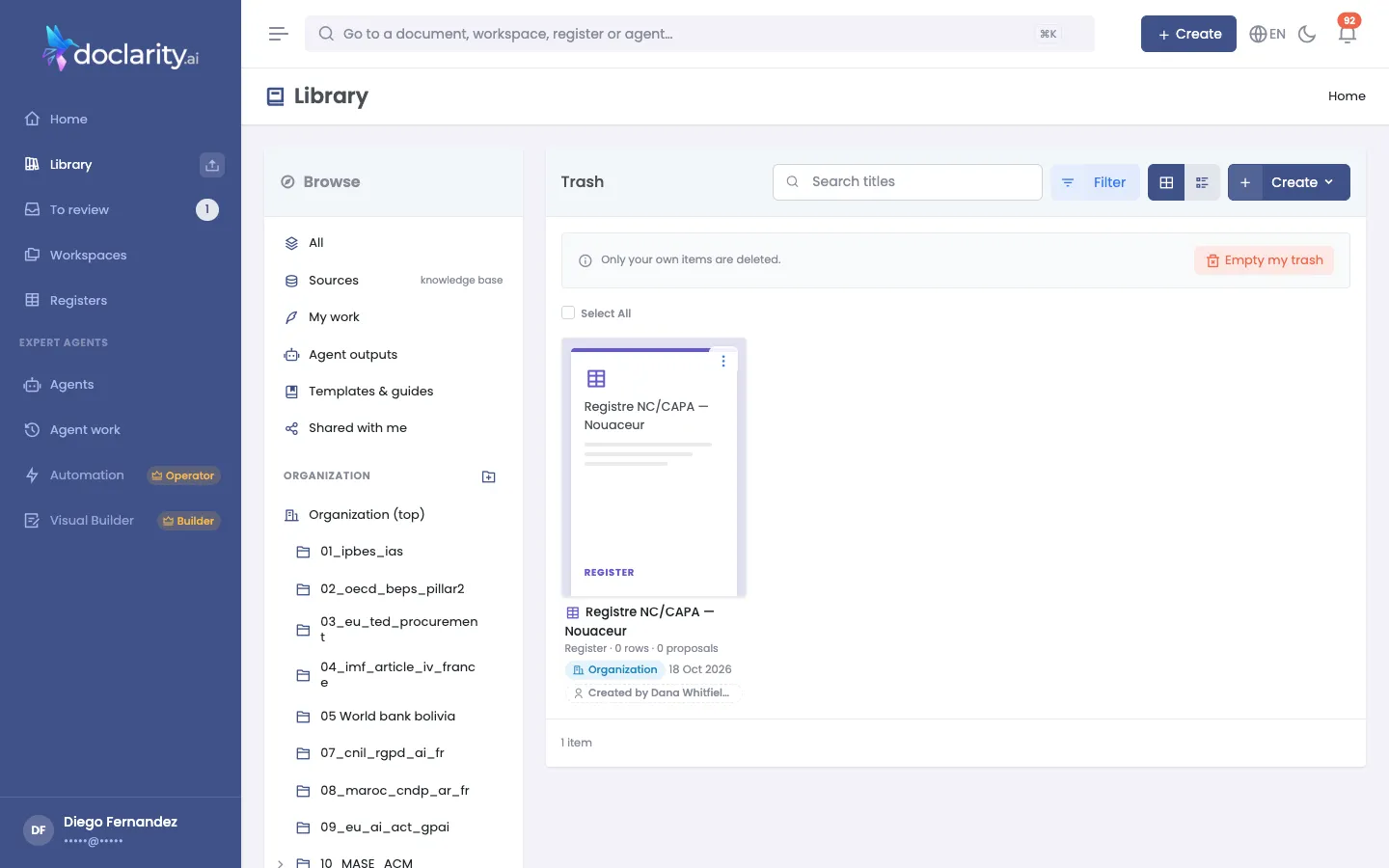
Section titled “Restore”- Library › Trash.
- Item’s ⋮ menu › Restore. Several items: tick them, then Restore in the bar that appears.
Empty your trash
Section titled “Empty your trash”Empty my trash deletes your items for good. Only your own items are deleted.
Who sees what
Section titled “Who sees what”- Everyone sees and empties their own trash.
- A curator can also trash and restore Organization items.
- An administrator sees Admin trash: every user’s deleted items (titles only).
Known limits
Section titled “Known limits”- An imported document cannot simply be taken out of the knowledge base: move it to trash instead.
- Emptying the trash is final.