

Compare Documents on a Question
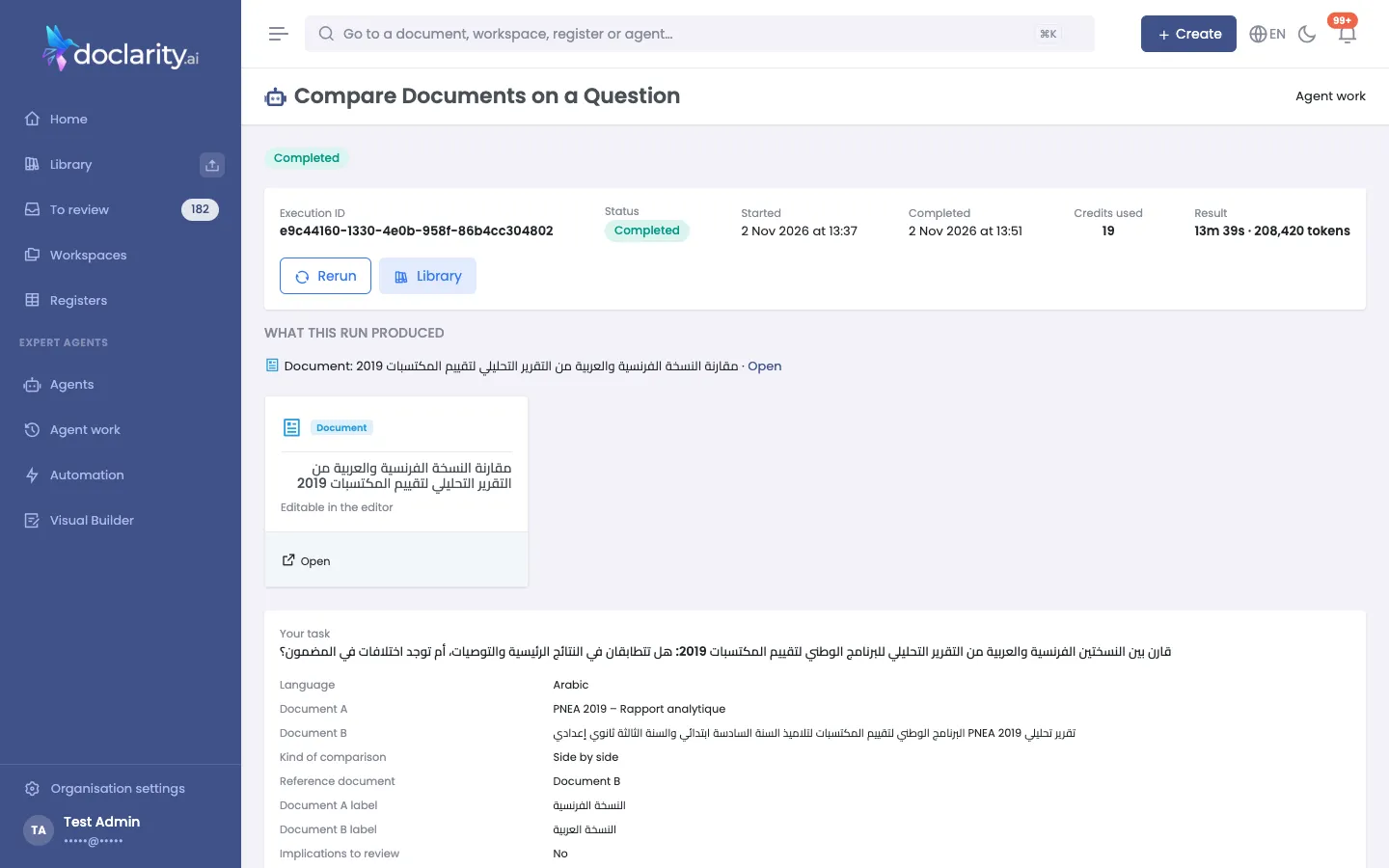
What it is for: choosing 2 to 5 different documents and asking one comparison question. You get, point by point, what the documents say, where they agree and where they differ.
When to use it: comparing two reports on the same subject, checking that an Arabic and a French version say the same thing, comparing a text against a reference.
- Agents › Compare Documents on a Question › Execute.
- Documents: Document A and Document B (required), then Add another document up to five.
- Your request: the comparison question. Example: “Compare the findings of the 2024 and 2025 internal audit reports on purchasing control. Where do they agree, and where do they differ?”
- Kind of comparison: Versions of one text, Side by side, or Against a reference (then choose the Reference document).
- Optional, under Comparison details: the points compared, the part compared, a short name for each document, Include implications for review.
- Execute Agent.
What you get
Section titled “What you get”An editable document “Comparison: …”, with quotes in each document.
- Side by side and Against a reference: a Comparison point by point table. For each point, a verdict: Agree, Differ, Only … (the document that addresses it), Not comparable or Neither addresses it. Then the Key points and the Searched without result list.
- The verdicts name the documents (by the short name you gave), never “Doc 1 / Doc 2”.
- A point only named in a list does not count as addressed: it is marked Only named in a list.
- Documents that follow the same numbering (articles, clauses) are compared clause by clause: the note says so (”… share the same numbered structure”).
- Two versions of one text in two languages are checked point by point, by re-reading the matching passage in the other language.
- Versions of one text: only the parts that changed are read and compared.
When your request names no points, the agent compares the headings the documents have in common.
It depends mostly on the number of points compared (ten at most) and on checking across two languages, not on the length of the documents: only the useful passages are read. In Versions of one text mode, it follows the amount of changed text.
Known limits
Section titled “Known limits”- At least two documents, at most five.
- Maximum size: about 2.5 million characters in Versions of one text mode, 1 million in Side by side mode.
- On long regulatory texts the agent may deliver Completed with gaps: read the part that says what was not covered.
- For the exact list of changes between two versions, prefer Redline & Change Log.