

Sign in
What it is for: getting into Doclarity the first time, then every time after.
First time: the invitation
Section titled “First time: the invitation”You do not create an account yourself: an administrator of your organisation invites you.
- Open the e-mail “You’re invited to Doclarity.ai!”.
- Click the sign-up link. Use it without delay.
- Fill in the form: e-mail, first name, last name, password twice.
- Confirm. You land on Home.
Every time after
Section titled “Every time after”- Open your organisation’s Doclarity address, the one in the invitation link.
- Enter your e-mail and password, then Sign In.
- Tick Remember Me on a personal computer only.
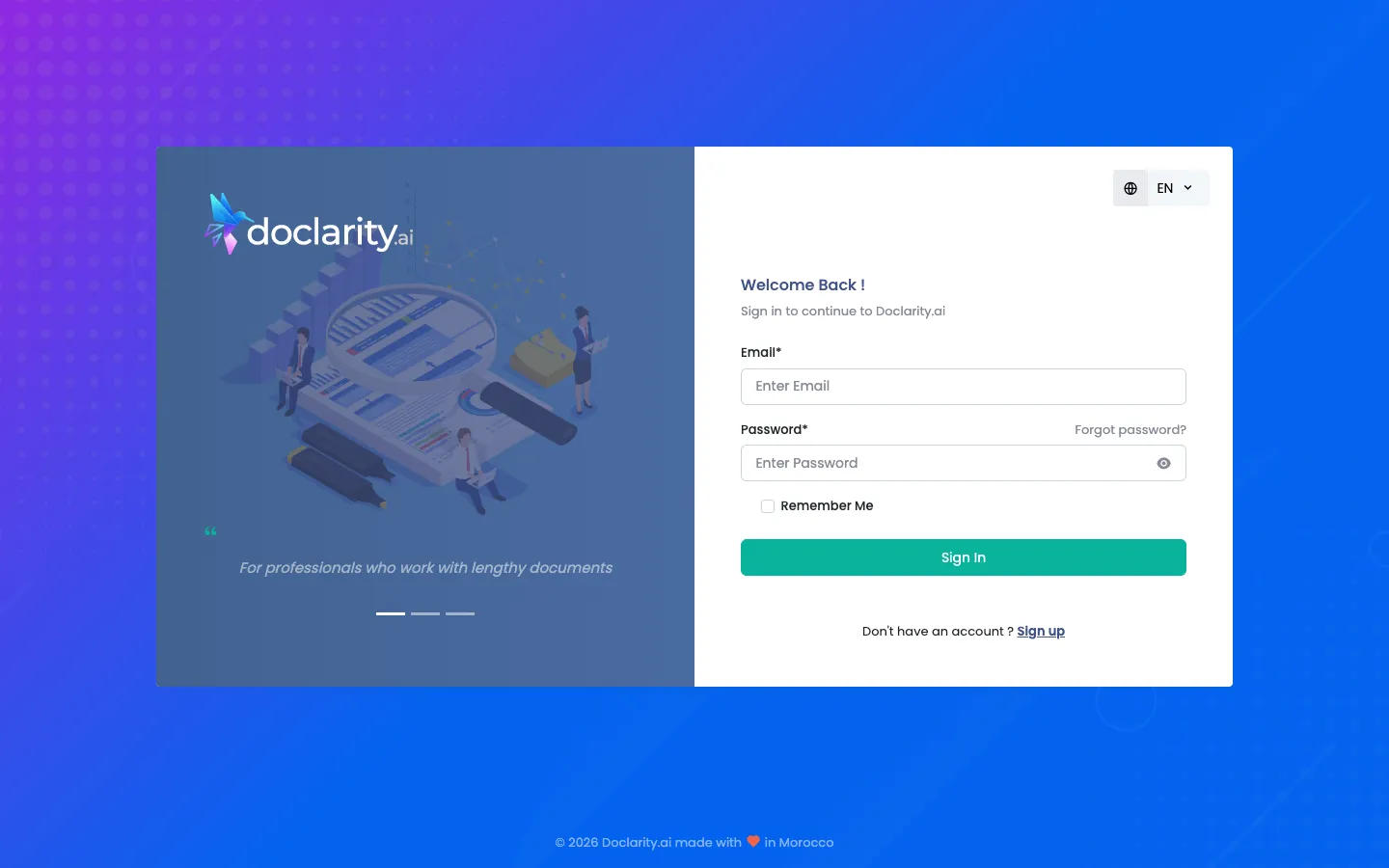
The page opens in your organisation’s language. To change it, use the language switch at the top of the box (globe, EN): the choice is kept for the sign-in, sign-up and password pages. Once you are signed in, your account’s language applies.
Forgotten or changing your password
Section titled “Forgotten or changing your password”- Forgotten: on the sign-in page, Forgot password?, then follow the link you receive by e-mail.
- Changing it: click your name at the bottom of the left menu, then Change Password.
Sign out
Section titled “Sign out”Click your name at the bottom of the left menu, then Logout.
Known limits
Section titled “Known limits”- An account belongs to one organisation: you see its documents and what is shared with you, never another organisation’s.