

Note for decision
What it is for: one page for the person or body who decides: the decisions to take, each with its evidence and the owner the documents name, then what stays open.
When to use it: at the end of a job in a workspace, for example before a management meeting, when the decision and action registers are up to date.
Where to find it
Section titled “Where to find it”The note has no card on the Agents page. It starts from a workspace:
- the Conclude button at the top of the workspace;
- Create › Prepare a note for decision;
- on the page of an Extract Actions from Minutes run: Next step: prepare the note for decision.
These entries show for owners and editors of a workspace that holds a register, or the result of one of these agents: Extract Actions from Minutes, Check against a list of requirements, Management Review Pack, Scope and Context, Summarize for Executives or Compare Documents on a Question.
- In the workspace, click Conclude.
- Check the Workspace to read: it is the workspace the note concludes. If the workspace holds several pieces of work, choose For which decision?.
- Optional: Additional instructions (optional) (“For which meeting or which decision?”), As of, Meeting date (optional).
- Execute Agent.
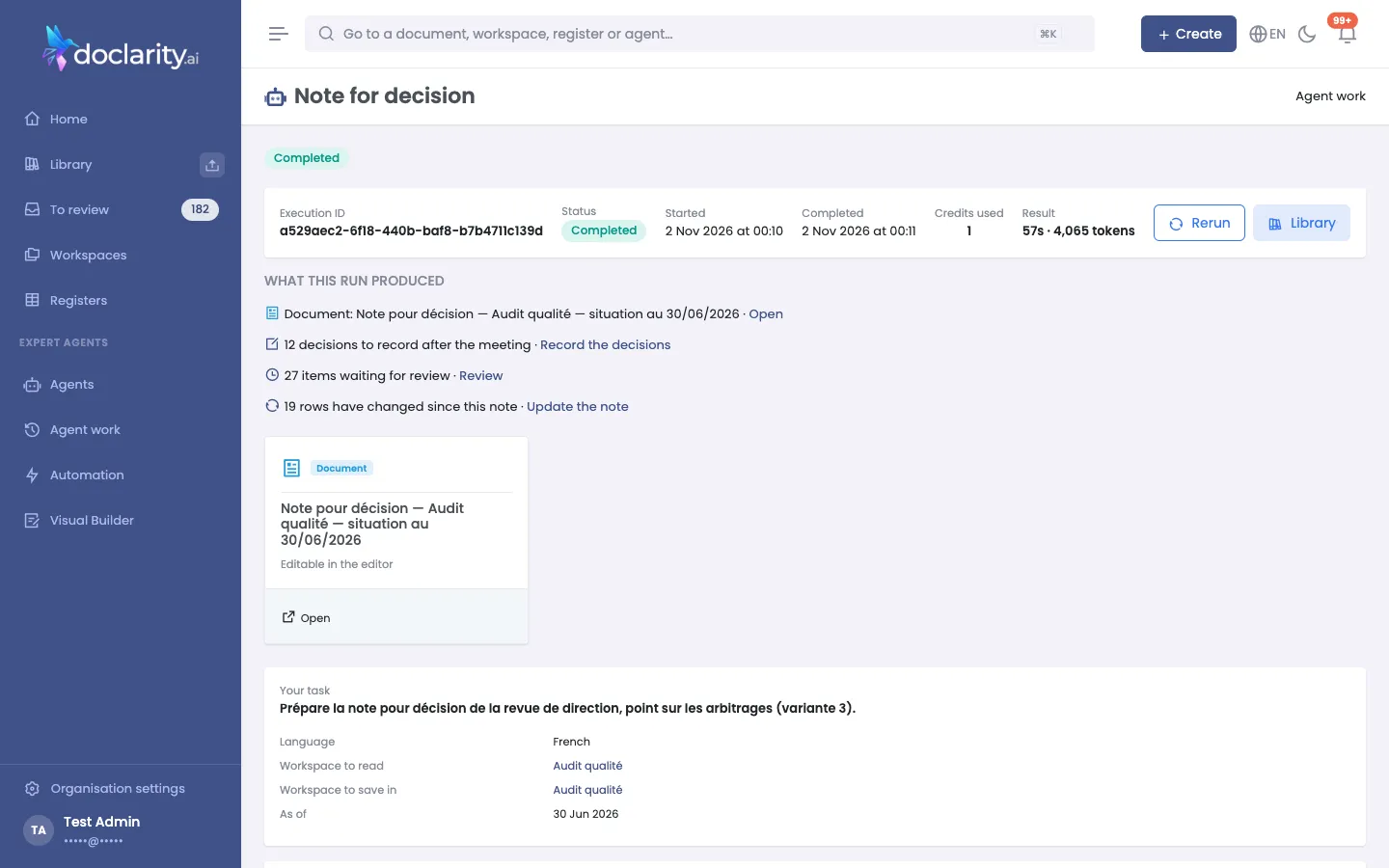
What you get
Section titled “What you get”- An editable document: “Note for decision, [workspace], as of [date]”, the decisions to take (with evidence and owner), the open points (with their quotes and owner), the items waiting for review.
- When the workspace holds a summary or a comparison, their quoted recommendations become decisions to take.
- When the registers have changed since the note, a banner says so: Update the note. If nothing has changed, the same note is reproduced at no credit cost.
- On the run’s page: Record the decisions writes what was decided into the decision and action registers, under your name, after the meeting.
Low: the note reads no document again. It reads the workspace’s registers, verified facts and agent runs.
Known limits
Section titled “Known limits”- It is only useful if the workspace holds up-to-date registers or agent results.
- It does not read the documents: a decision missing from the registers will not be in it.