

Classification plans
What it is for: filing documents under your organisation’s own plan, on top of the topics Doclarity suggests. For curators and administrators.
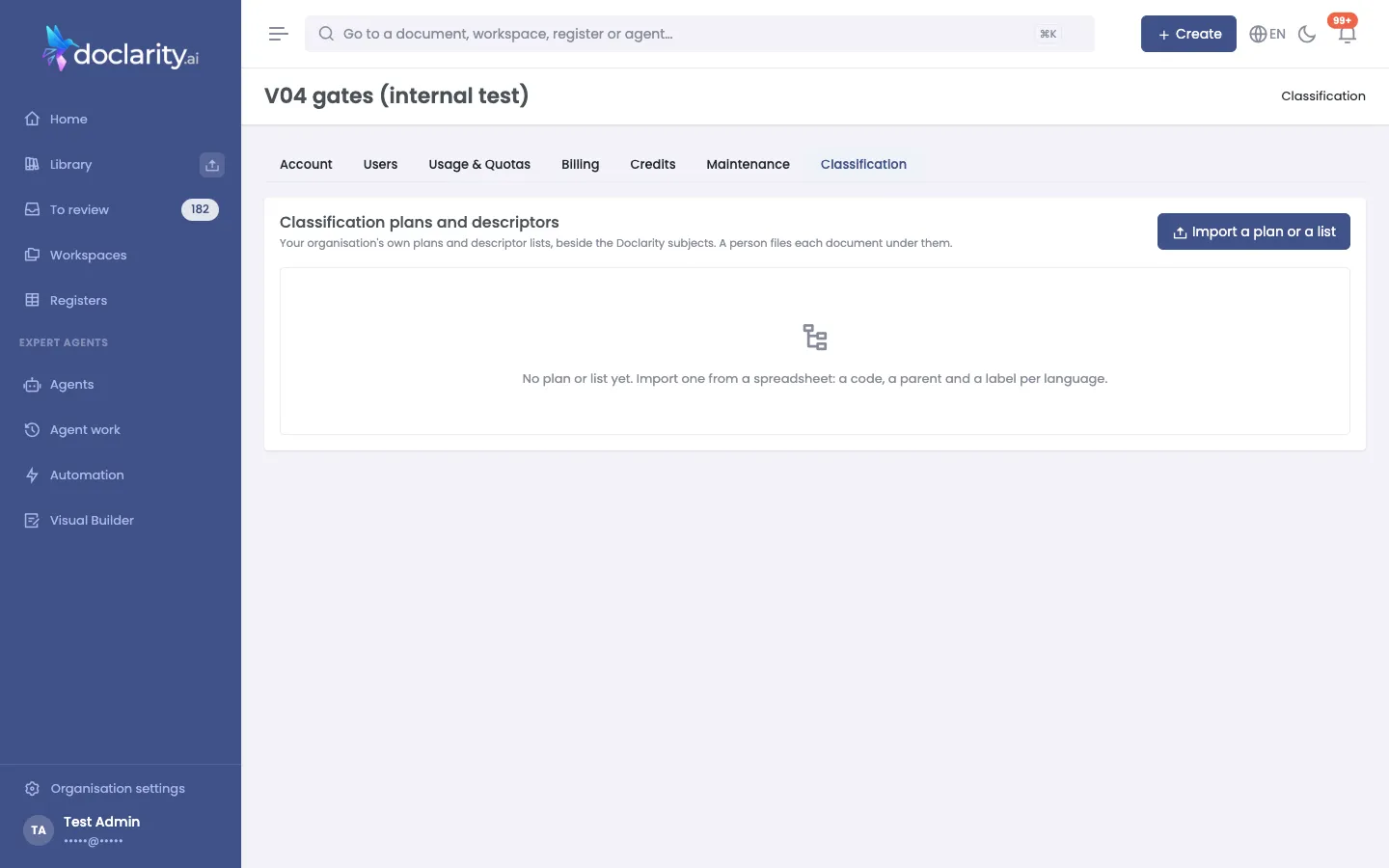
To open it: Library › Records › Classification plans. An administrator also finds it in Organisation settings, Classification tab.
Two kinds of list
Section titled “Two kinds of list”- Classification plan (a tree): headings and sub-headings, each with a code.
- Descriptor list: a flat list of controlled keywords.
Import a plan or a list
Section titled “Import a plan or a list”- Prepare a spreadsheet with the columns: code, parent (or level), one label per language, for example “libellé (fr)” and “libellé (ar)”.
- Click Import a plan or a list.
- Give a name (Name (French), Name (Arabic)) and choose the spreadsheet.
- Check the preview, then import.
The plan appears in the list with its Entries, Languages, number of Documents filed and Version. View opens it, and Export downloads it.
File a document
Section titled “File a document”On the document’s page, Edit: one field per plan, where you choose one or more entries.
In the Library, Filter › More filters offers one field per plan. A heading includes the documents filed under its sub-headings.
Update a plan
Section titled “Update a plan”A plan is read-only: to change it, import a New version. The screen shows Before and After.
Known limits
Section titled “Known limits”- There is no plan editor in the app: every change goes through an imported spreadsheet.
- A plan has at most 5 levels and 20,000 entries, and the spreadsheet (XLSX, XLS, ODS or CSV) is at most 10 MB.
- A person files each document: the plan does not apply itself to existing documents.