

To review and My actions
What it is for: seeing at a glance what waits for a decision from you, and the actions assigned to you across all your registers.
To review
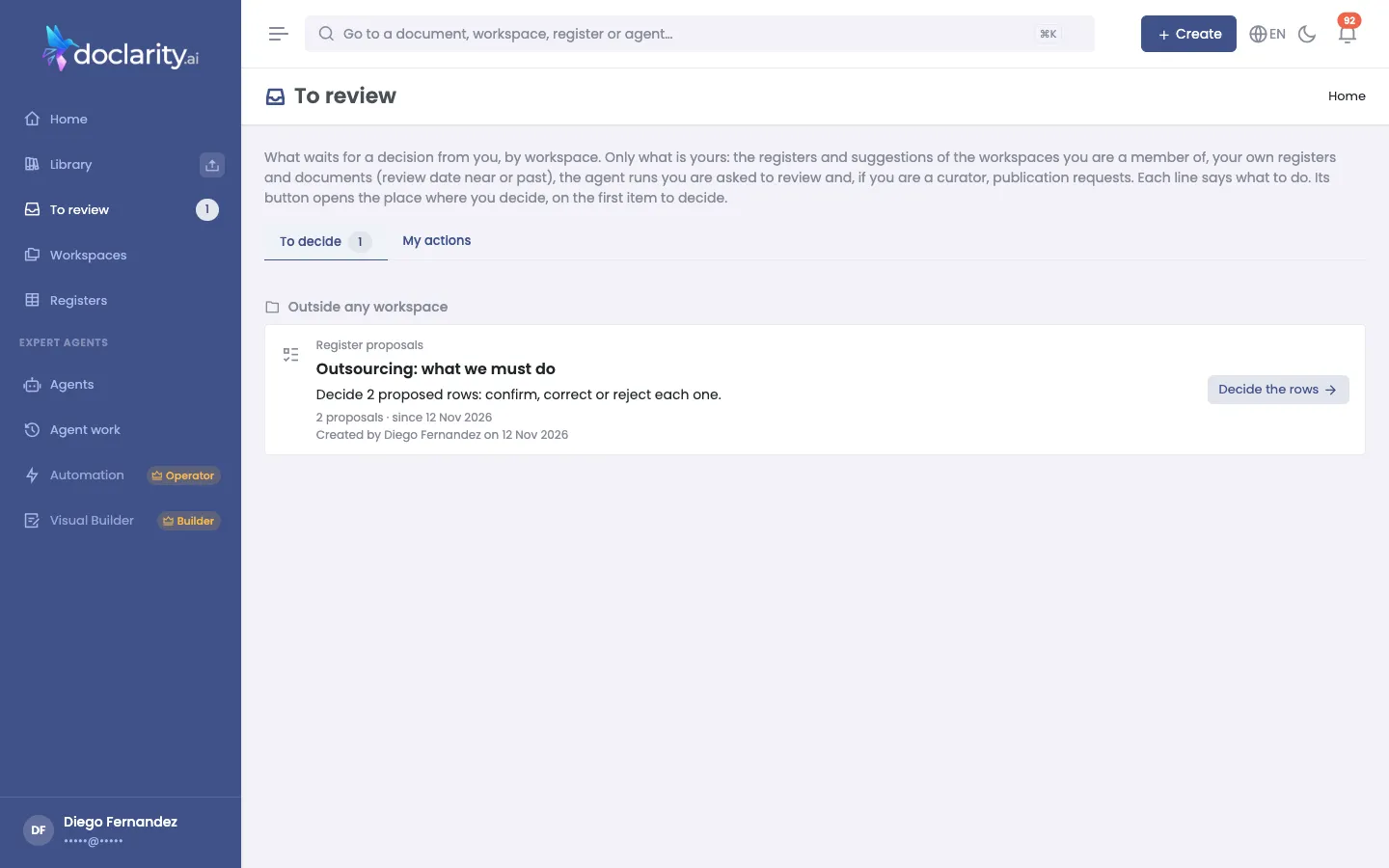
Section titled “To review”Menu › To review. Only what concerns you, grouped by workspace:
- register proposals in workspaces you belong to, and in your own registers;
- your documents whose review date is near or past;
- agent runs you are asked to review;
- if you are a curator, requests to publish to the organisation.
The page has two tabs: To decide and My actions. Each line of To decide says what to do, and its button opens the place where you decide, on the first item to decide.
My actions
Section titled “My actions”The My actions tab: every open row where you are the linked owner, in all your registers. A red dot in the menu flags an overdue action.
A register writes its owners as its sources do (“J. Smith”), not as accounts. Say once which names are yours:
- To review › My actions › Link a name.
- Choose the name as it appears in the registers.
- The open rows assigned to that name join your actions.
When a name close to yours appears in a register, Doclarity asks you (”… is it you?”): That’s me links it in one click.
Known limits
Section titled “Known limits”- A name written differently (“Smith”, “J. Smith”) must be linked separately.
- Due-soon and overdue notifications concern rows linked to your account.