

Publish to the organisation
What it is for: making a document a reference every member can open, with a curator’s approval.
How it works
Section titled “How it works”- A document you import is private: only you open it.
- For the whole organisation to open it, it must be published to the organisation.
- A member asks and a curator (or an administrator) approves or rejects.
- A curator can publish directly.
Ask for publication (member)
Section titled “Ask for publication (member)”- On import, tick Ask the curators to publish it to the organization. Or later: document’s ⋮ menu › Share › Request organization access.
- Save. The card shows Organization request pending.
- You get a notification when the request is approved or rejected.
Approve or reject (curator)
Section titled “Approve or reject (curator)”- Open To review (the Publication requests line) or, in the Library, Approvals.
- Open the document if you need to check it.
- Click Approve or Reject. When rejecting, a Reason (optional) goes to the requester.
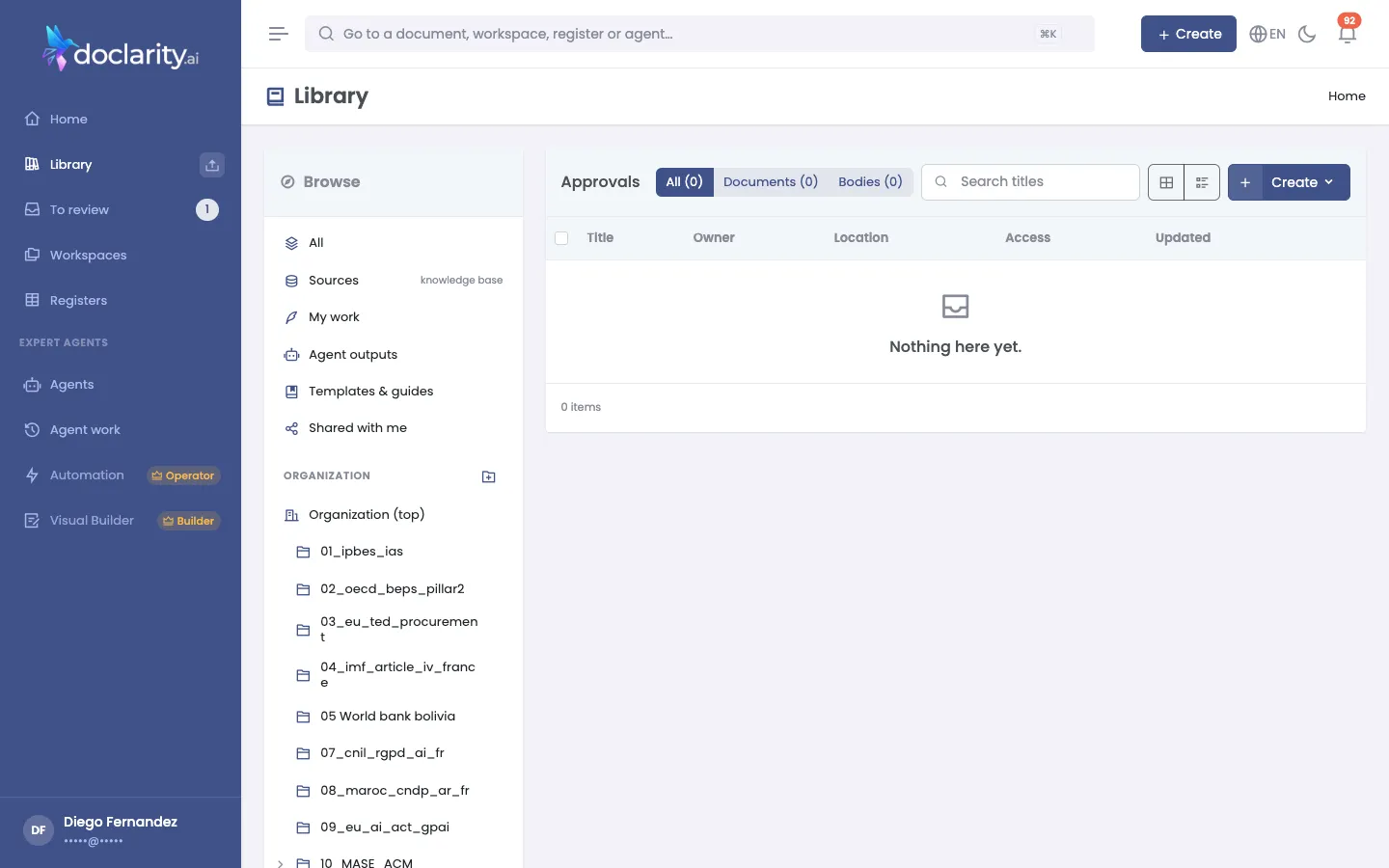
Approvals has three tabs: All, Documents and Bodies (proposals about bodies, see Bodies). Requests to move a folder into the Organization arrive there too (“Folder to move into Organization/…”).
A document written in Doclarity
Section titled “A document written in Doclarity”An editor document is a living draft: you do not publish it as such. To share it with the whole organisation, publish a version of it: the version is frozen, your draft stays editable. See Export and publish a version.
Publication log
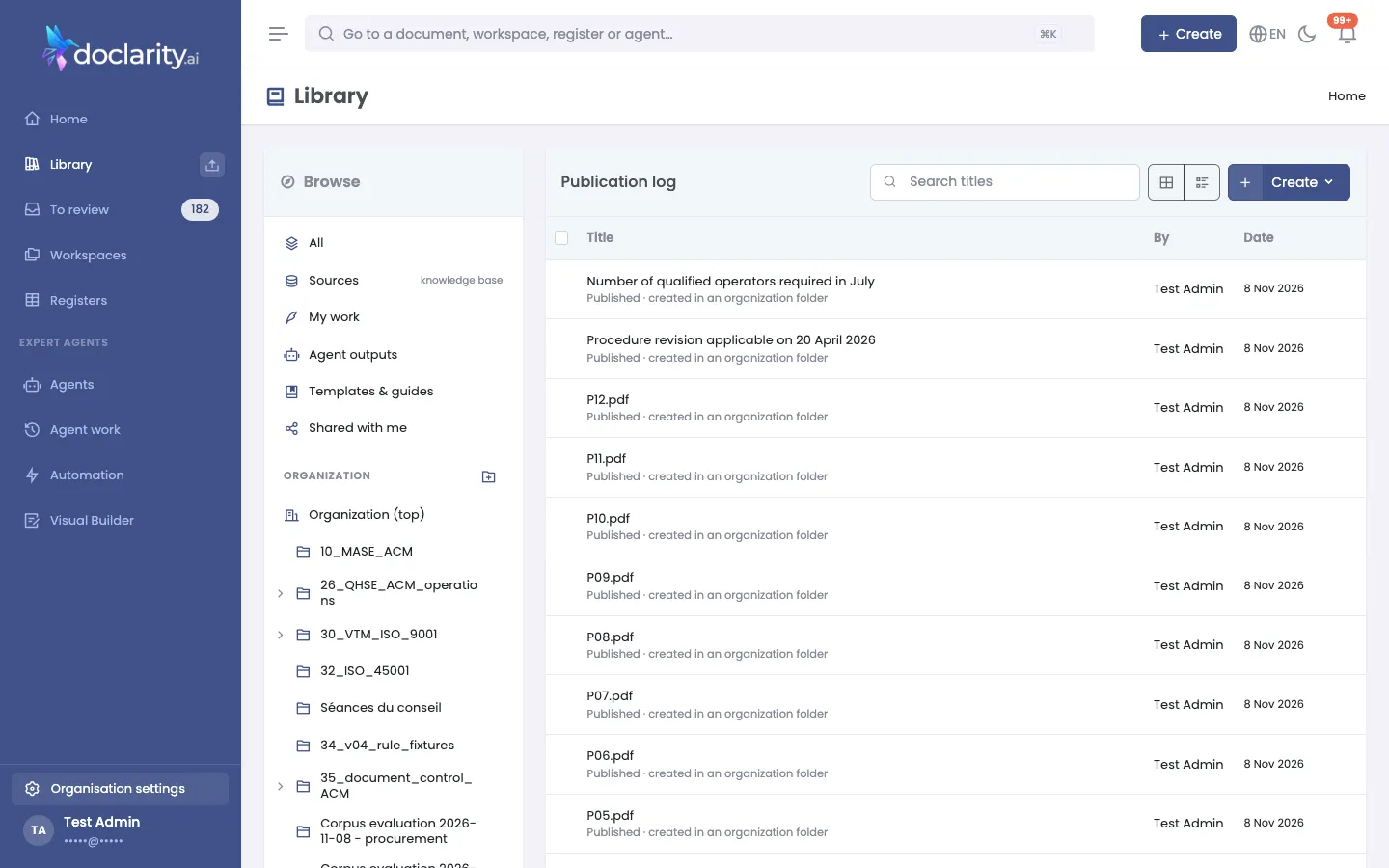
Section titled “Publication log”Publication log (curators) lists each publication and withdrawal: title, who did it, date.
Organization standard (templates and guides)
Section titled “Organization standard (templates and guides)”In Templates & guides, a curator can mark a template or guide Organization standard, shown with a star: the one the organisation recommends. ⋮ menu › Mark as organization standard.
Known limits
Section titled “Known limits”- Only curators, administrators and the owner see Approvals and Publication log.
- A member cannot move a folder to the Organization: the move becomes a request to the curators.