

Redline & Change Log
What it is for: comparing two versions of one document and getting the exact changes plus a typed change list.
When to use it: an amended draft, a new version of internal rules, a revised procedure: you want to see what was added, removed or reworded.
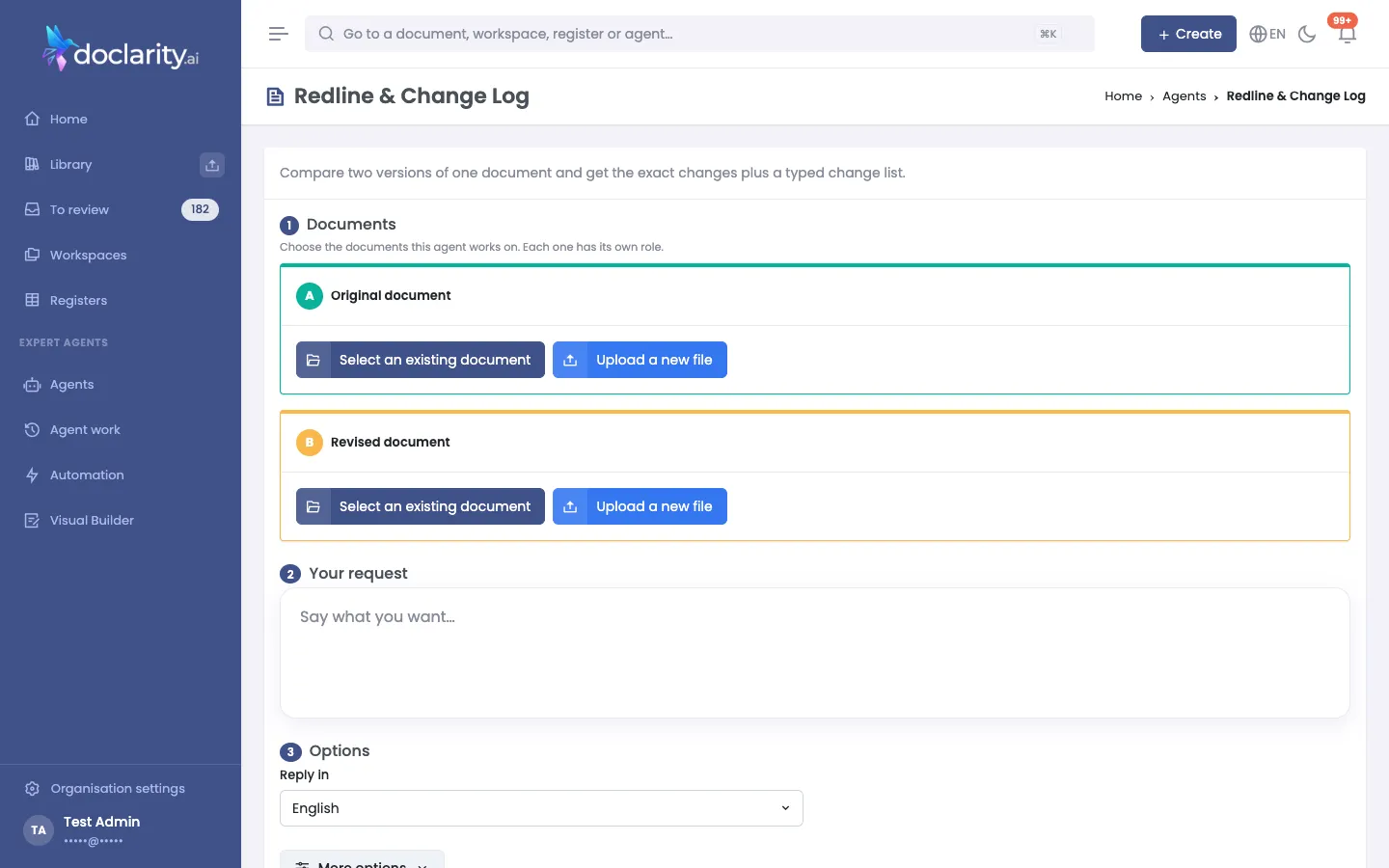
- Agents › Redline & Change Log › Execute.
- Original document: the old version. Revised document: the new one.
- Your request: what matters to you. Example: “List the changes and flag those that change an obligation or a deadline”.
- Reply in, then Execute Agent.
What you get
Section titled “What you get”An editable document: the text with the changes marked, then a change log, each change typed: Added, Deleted, Modified, Moved, Moved + modified, Renumbered, Split or Merged, with its text kept.
It depends on the length of the two versions. It stays moderate for texts of a few dozen pages.
Known limits
Section titled “Known limits”- Two documents only, which must be two versions of the same text. For two different texts, use Compare Documents on a Question.
- 1 million characters at most for both versions together.