

Keyword search
What it is for: quickly finding the documents and pages about a topic, when you do not need a written answer.
Search
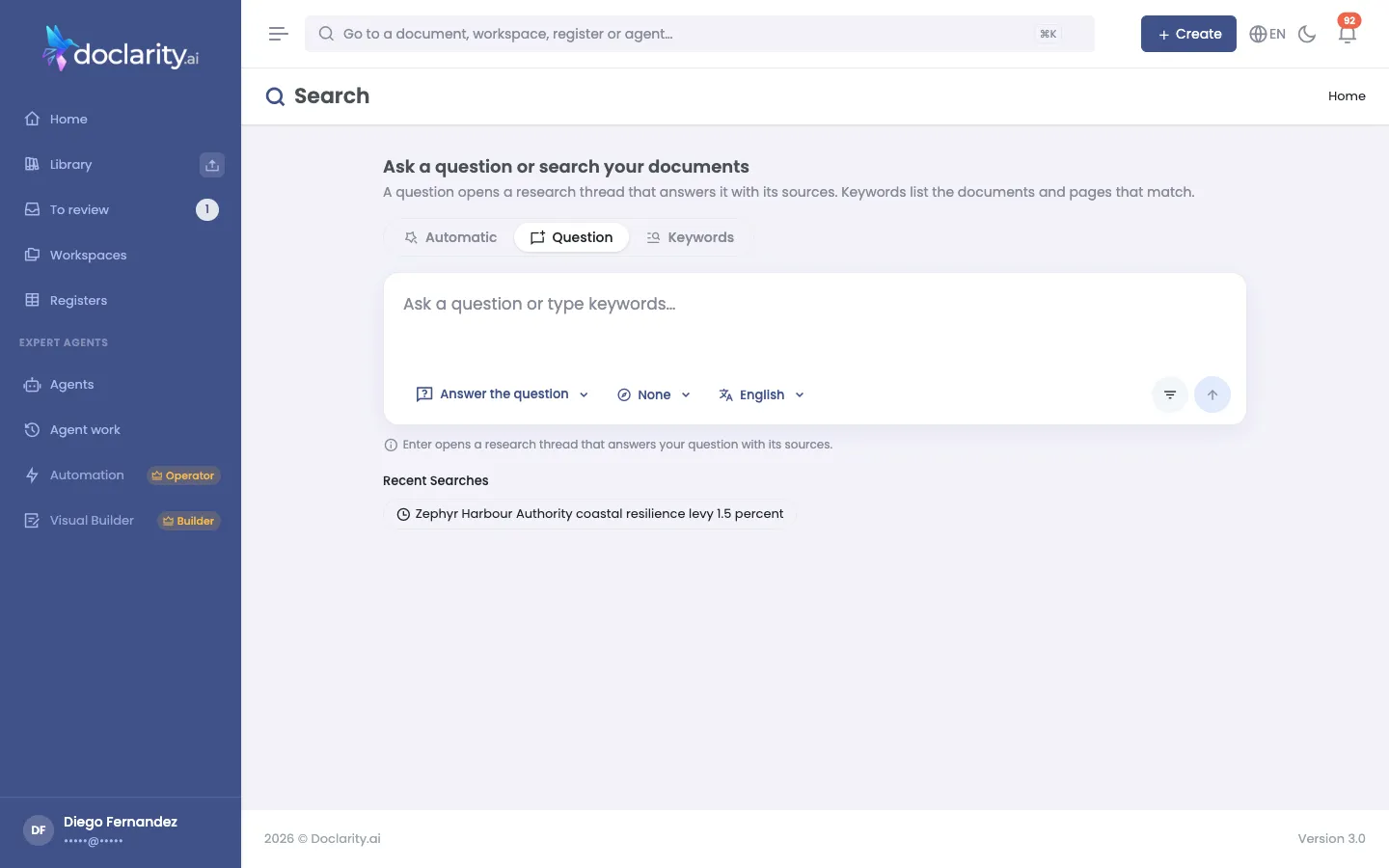
Section titled “Search”- From Home, the Semantic search tab, or the Search page (Keywords tab).
- Describe the topic in a few words or a sentence. The search finds passages by meaning, not only by exact words.
- If needed, Filter: type, date, publisher, topic…
- Run the search.
Read the results
Section titled “Read the results”- Click a result’s title to open the document’s page, where you can ask it questions.
- The Page … buttons open the document at that page, next to the results.
- Recent Searches: click one to run it again.
Question or keywords?
Section titled “Question or keywords?”Automatic mode reads what you type: a question opens a research thread, keywords are searched here. Choose Question or Keywords to decide yourself.
Known limits
Section titled “Known limits”- The search covers documents you can open that are in the knowledge base (Sources).
- It writes nothing: for a cited answer, use a research thread.